Why PowerPoint Version Control Breaks Down in Finance
If you have ever searched for “how to compare PowerPoint versions” or “PowerPoint version control,” you already know the problem.
Native PowerPoint tools are not built for complex financial decks. Compare and Merge was discontinued. Comments show opinions, not changes. Version history tells you when a file was saved, not what was edited.
In deal work, that gap is costly. Senior bankers are expected to catch everything, from a last-minute number change in a valuation tables to a disclosure quietly removed at 2am.
The review cycle becomes a bottleneck, and unseen risks creep into your final presentation.
Track Changes Turns the Black Box into an Audit Trail
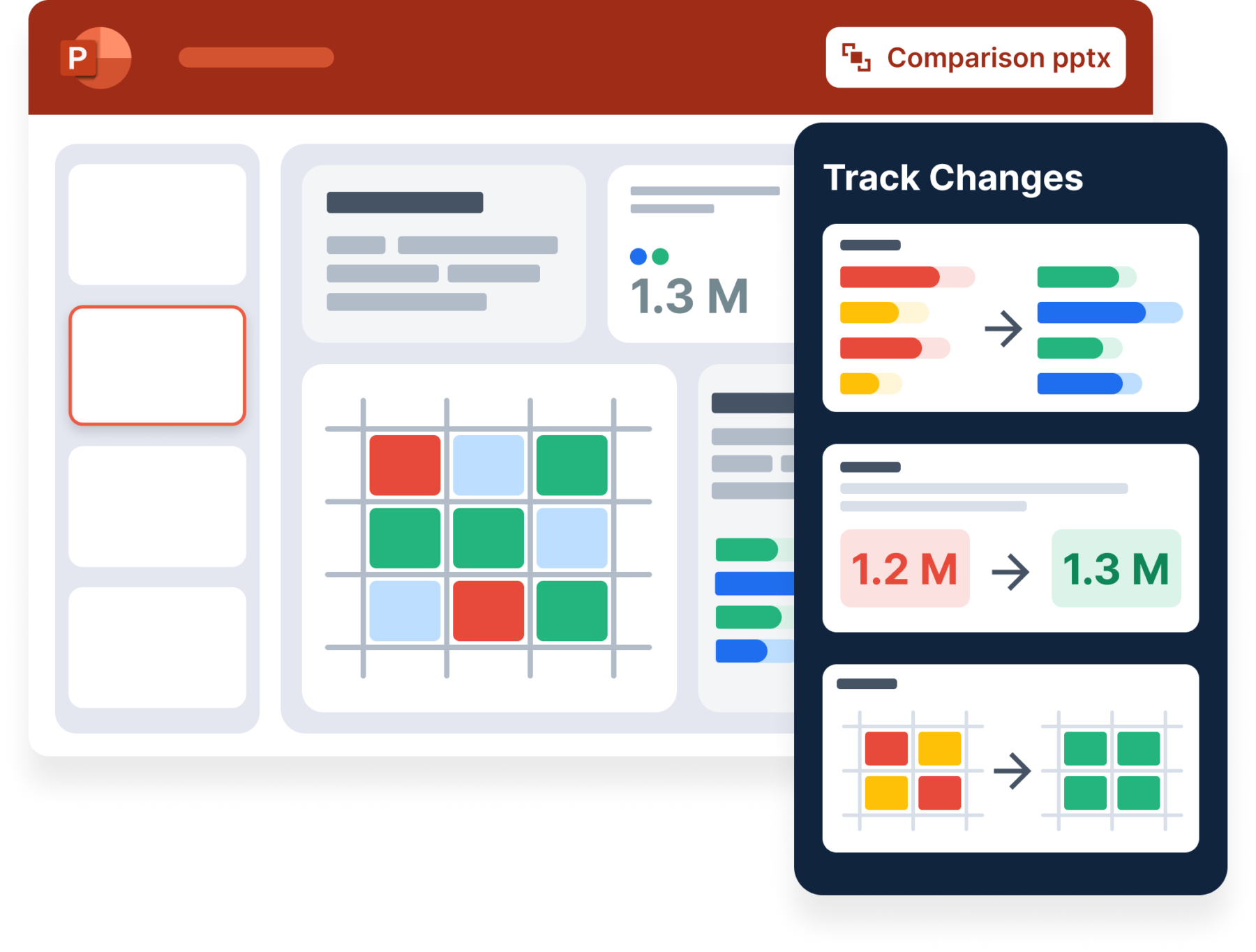
Track Changes lets you see what changed in the latest version of a PowerPoint presentation, and review every meaningful edit directly in the deck.
Open the Track Changes pane and you can:
- See a sequential list of all changes across the presentation
- Click any change to jump to its exact location on the slide
- Review text edits, table updates, shape movements, and slide reordering
- Accept changes to lock them in or reject changes to instantly revert
Nothing is merged into a third file. Nothing breaks formatting. Changes overlay cleanly on the current deck until you explicitly approve them.
The result? MDs, Partners, and CFOs can review decks with confidence in minutes instead of hours.
Investment Banking Use Cases: PowerPoint Version Control for Pitch Books and Live Deals
Track Changes is not a generic PowerPoint add-on. It is designed around real banking workflows.
Pitch books:
An MD opens a deck updated overnight by multiple analysts and immediately sees which numbers, assumptions, and slides changed since the last review.
Live deals:
A VP validates that comps, valuation outputs, and tombstones reflect the latest guidance before sending materials to a client.
Comment reconciliation:
Compare pre- and post-review versions to confirm that requested changes were implemented correctly.
Private Equity Use Cases: Reviewing IC Decks and CIMs in PowerPoint
Track Changes gives private equity teams clear visibility into late-stage changes to assumptions, returns and disclosures.
IC decks:
Partners review updates to returns, assumptions, and sensitivity tables and immediately see what moved since the last committee discussion.
CIM reviews:
Deal teams compare draft and final versions to ensure narrative language, disclosures, and financial tables remain intact and approved.
Consulting Use Cases: Reviewing Client Decks Across Iterations
During rapid RFP workflows and client feedback cycles, multiple consultants update the same deck, and engagement managers must ensure accuracy before anything gets to the client. Track Changes stops the guesswork and last-minute meetings to clean up your slides.
Client feedback rounds:
Compare versions after each review cycle to confirm that only approved edits were made.
Storyline and data validation:
Validate changes to charts, tables, and supporting data without flipping through slides or relying on comments.
Faster Review Cycles and Fewer Errors
Track Changes is most powerful when used alongside other Macabacus review and standardization tools.
- Deck Check helps teams catch formatting, consistency, and compliance issues before review
- Presentation Proofing supports faster, more accurate validation of client-facing materials
- Excel–PowerPoint linking ensures last-minute model updates flow correctly into slides
- Shared Libraries and Logo Library keep content standardized across teams
Together, these tools shorten the review cycle while reducing the risk of errors slipping through.
Review Faster Without Sacrificing Control
Track Changes addresses one of the biggest sources of friction in PowerPoint: understanding exactly what changed between versions of a high-stakes deck.
For deal teams, the value is direct:
- Shorter review cycles by reviewing only what changed
- Lower risk of errors slipping through late-stage edits
- Clear accountability before materials go out the door
- A familiar, Word-style experience inside PowerPoint
Track Changes is part of a broader Macabacus workflow designed to increase speed and accuracy across both PowerPoint and Excel. Together, these tools raise output velocity without compromising control, from the first model update to the final client-ready deck.
For teams evaluating Macabacus:
Request a demo to see how Track Changes works in real pitch books, CIMs, and IC decks, alongside the rest of the Macabacus platform. We’ll walk through the review workflow your team actually uses.
Get started for free.
For existing customers:
Track Changes is available now for Enterprise plans. Download the latest version of Macabacus to start using it in PowerPoint today.