Why Pitch Books Get Messy
Manual proofing fails for one reason: scale. If you’re working on pitch books, CIMs, or client decks, you’re usually dealing with:
- Dozens of slides
- Multiple contributors
- Multiple rounds of edits
- Multiple formatting “styles” sneaking in
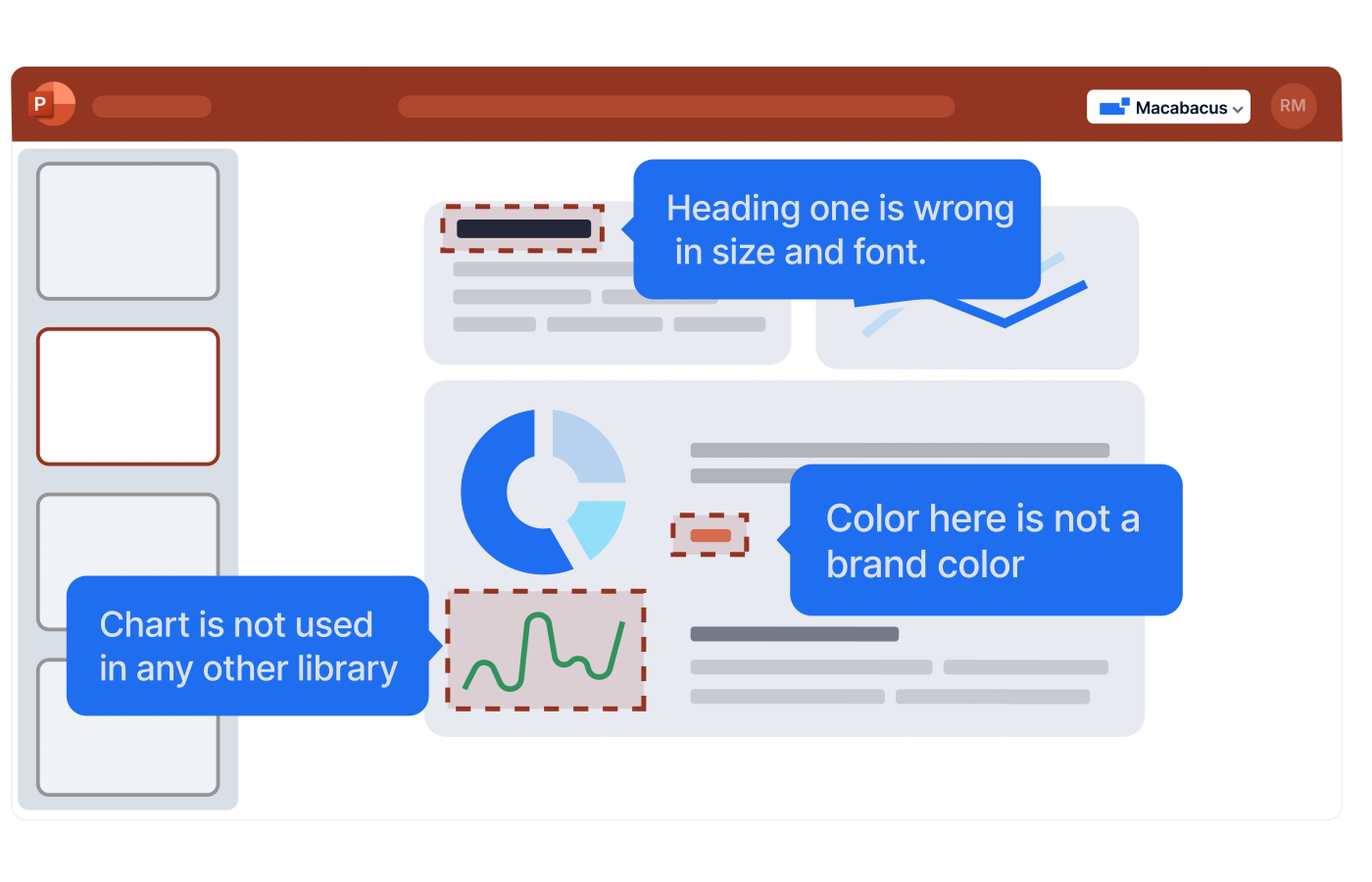
Deck Check is built to catch problems across formatting, branding, and layout, and it can propose fixes to speed correction. By connecting to your shared libraries and customized brand styles (colors, fonts, and other standards), it helps ensure the deck is truly on brand.” It’s Reformat View inventories fonts, fills, borders, paragraph styles, and more, so you can identify inconsistencies and replace undesired formatting across the presentation quickly.
Deck QC Isn’t Enough If the Model Is Drifting
Here’s the other half of the “final version” spiral: You can have a clean deck built on a questionable model. Model issues are harder to spot, and the cost of being wrong is higher than the cost of a misaligned textbox.
If you’ve ever had to do a last-minute financial model audit, these probably look familiar:
- “Can we confirm there are no broken links?”
- “Are there any hardcoded values in formulas?”
- “Does this sheet have inconsistent formulas across the range?”
- “Why is the model pulling from an external file that no one can find?”
You don’t need a perfect audit. You need to catch the handful of issues that turn into bad outputs, rework, or awkward client follow-ups. A quick model check during the turn gives you confidence the numbers behind the deck still hold up before anything goes out the door.
How To Audit an Excel Model Without Spending Your Night Tracing Cells
Model Check is built for auditing complex Excel models quickly, using 50+ checks, including:
- Audit for formula errors
- Flag hardcoded values
- Catch broken links
- Review complex workbooks in seconds, not hours
And importantly, you can tune it to your tolerance for risk. Built by financial analysts for financial analysts, Model Check is designed around how bankers and investors actually audit models, so severity settings align with real review priorities. Model Check lets you set severity levels for checks (high/medium/low).
Why This Matters for “Find Hardcoded Values in Excel Model”
Hardcodes aren’t always wrong, but they’re almost always suspicious. When you’re doing Excel model checks, you’re usually trying to answer:
- Did someone override a link by pasting a number?
- Did a formula get replaced with a value during a quick fix?
- Is the model’s logic consistent across the section?
Model Check is explicitly built to flag hardcoded values as part of its auditing pass. Instead of checking cell by cell, you can run one check and get a clear list of where hardcodes appear, so you can validate the logic quickly and move on.
The Combined Workflow: Keep Decks Clean and Models Credible, Every Turn
Here’s how you stop the “final” spiral:
1) Treat the deck and model as one deliverable
If you update numbers, you update the following as part of the turn:
- The model logic (and audit it)
- The deck outputs (refresh linked Excel content and proof the slides)
2) Run quick checks early, not hero checks late
Instead of:
- 90 minutes of frantic cleanup at the end
You do:
- 10 minutes mid-turn
- 10 minutes pre-send
3) Let automation catch what humans miss
Deck Check helps prevent formatting drift from turning into “pls fix” markups by scanning for presentation issues and inconsistencies.
Model Check helps make sure your analysis is accurate and client-ready by running 50+ auditing checks to surface model integrity issues.